Have you ever requested an Uber/Lyft ride and the driver doesn’t come to where you are to pick you up? Did you get the text that your Uber/Lyft is here, but get outside as the driver pulls off? Have you been charged a “No Show Fee?”
As a driver, there are a few things that bother me when I arrive to the address that pops up on my driver app for Uber. Most of the time, there are no issues and my clients come to my vehicle from the address I drove to. However, sometimes, riders are NOT at the address shown in my app. They might be a couple of doors down, across the street from where I’m expecting them to come out from, or they may even be on a different level of street (i.e. Michigan and Illinois here in Chicago).
Riders,
I would like to help you by going over the different apps and giving you some tips so you can get picked-up and not get ticked-off because of a “No-Show” fee!
Let’s start with UBER!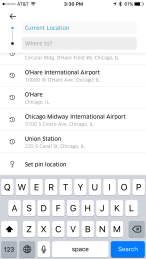
- Enter your destination address- Make sure you are entering your destination address. If you are traveling with others and you are going together but being dropped off at different addresses, then enter the farthest address. Make sure you ask your driver if it is okay to make additional stops or address drop-offs. Some drivers may NOT be willing to do multiple drop-offs.
- Confirm current location (Pick-Up Location)-
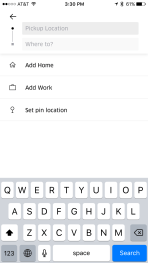 The app uses GPS from the phone to determine your current location and by default, the address sent to the driver, could technically be off by 50-100 feet depending on your location and cell phone reception. So if you have to, don’t be afraid to use the “Set pin location” option at the bottom of the screen when entering the destination address.
 - Confirm the type of ride share you will be using- There are different types of Uber. On the “Economy” you have Uber Pool and Uber X.
 On the “Premium” you have Uber Select and Uber Black.
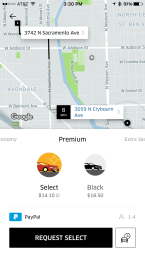 You also have an Extra Seats section which has Uber XL and Uber SUV.
  The last section “MORE” offers Uber Español, UberCab and CAB (WAV). Make sure you know what type of ride you are ordering. If you are in a hurry, please do NOT order UberPool. It may be cheaper, but you’ll be in the car a lot longer if there are added riders. Drivers cannot stop the app from adding riders on UberPool. (UberPool blog coming soon!)
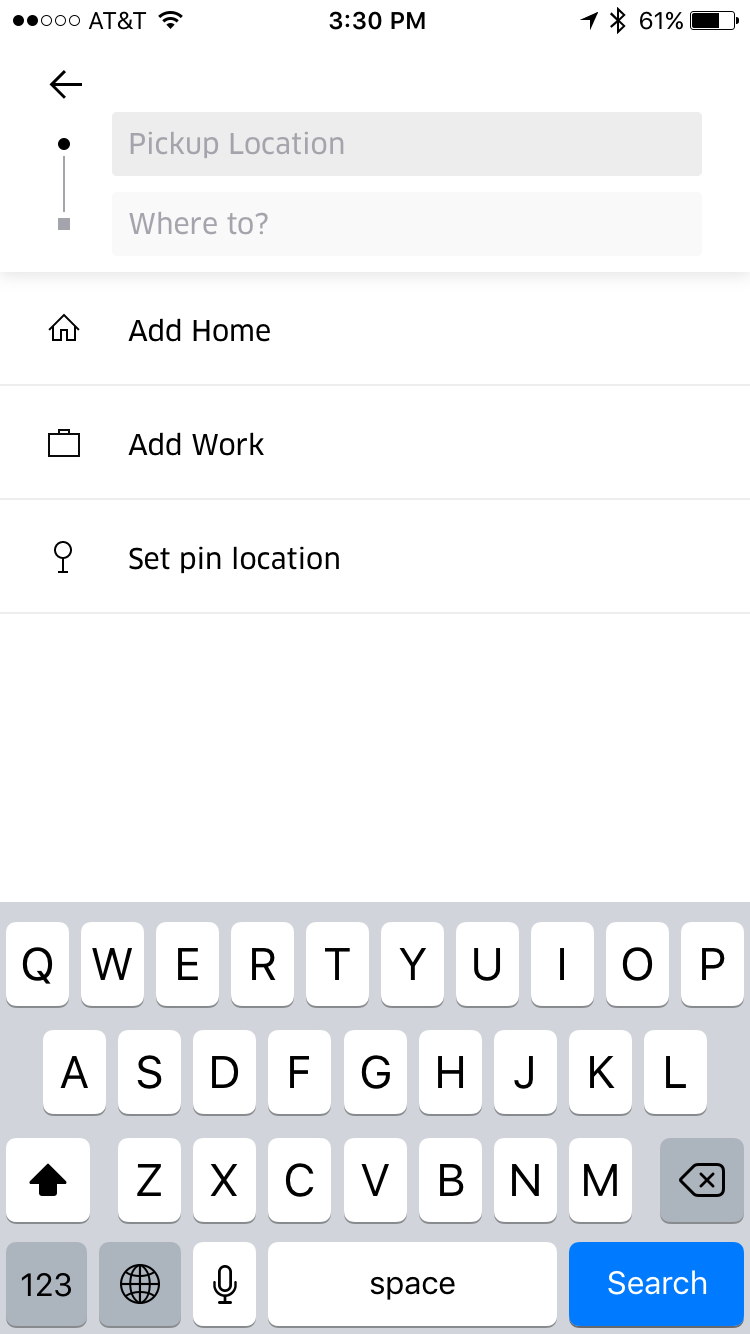
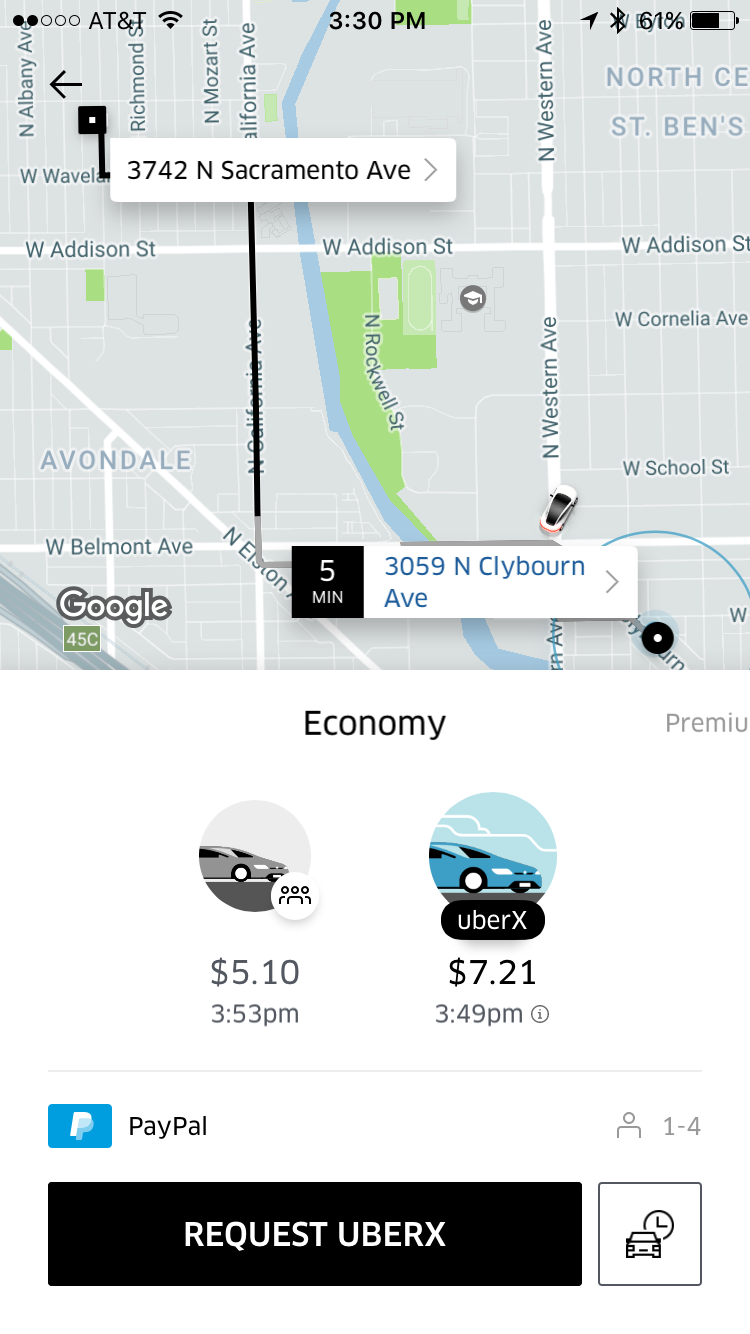
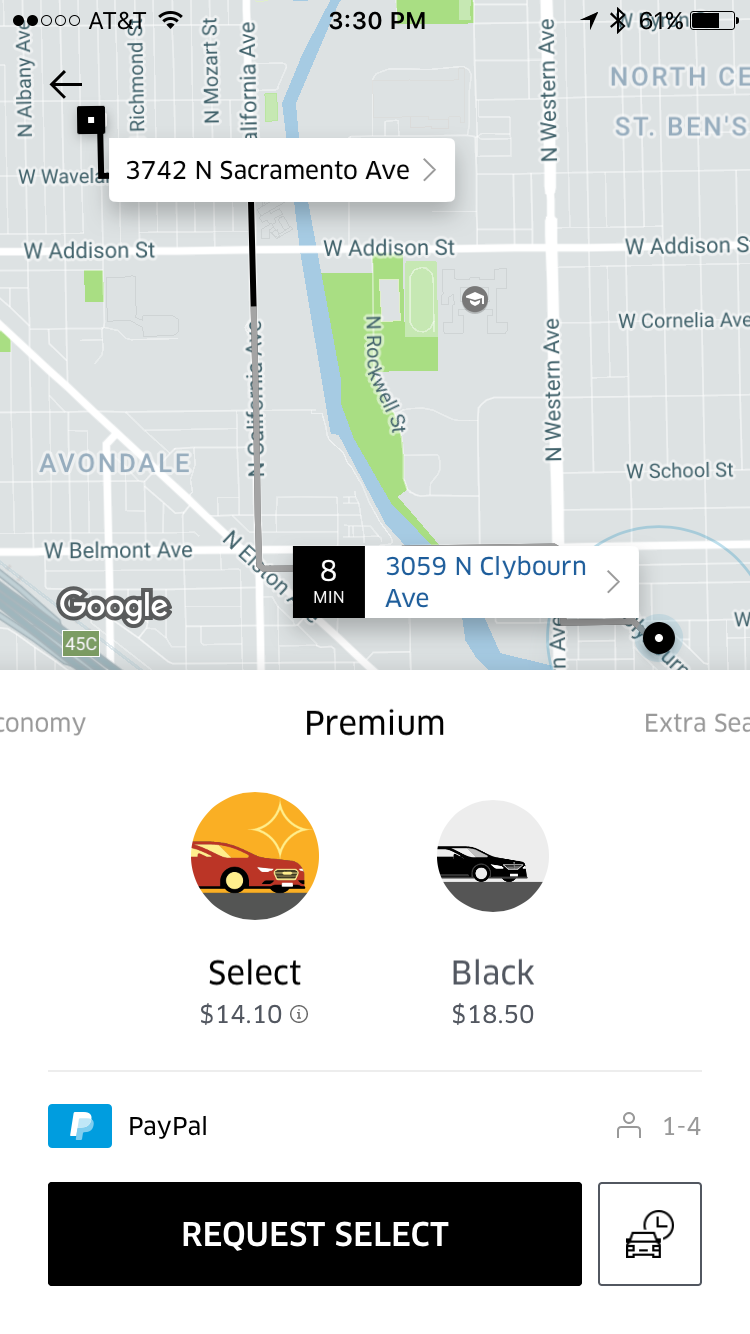
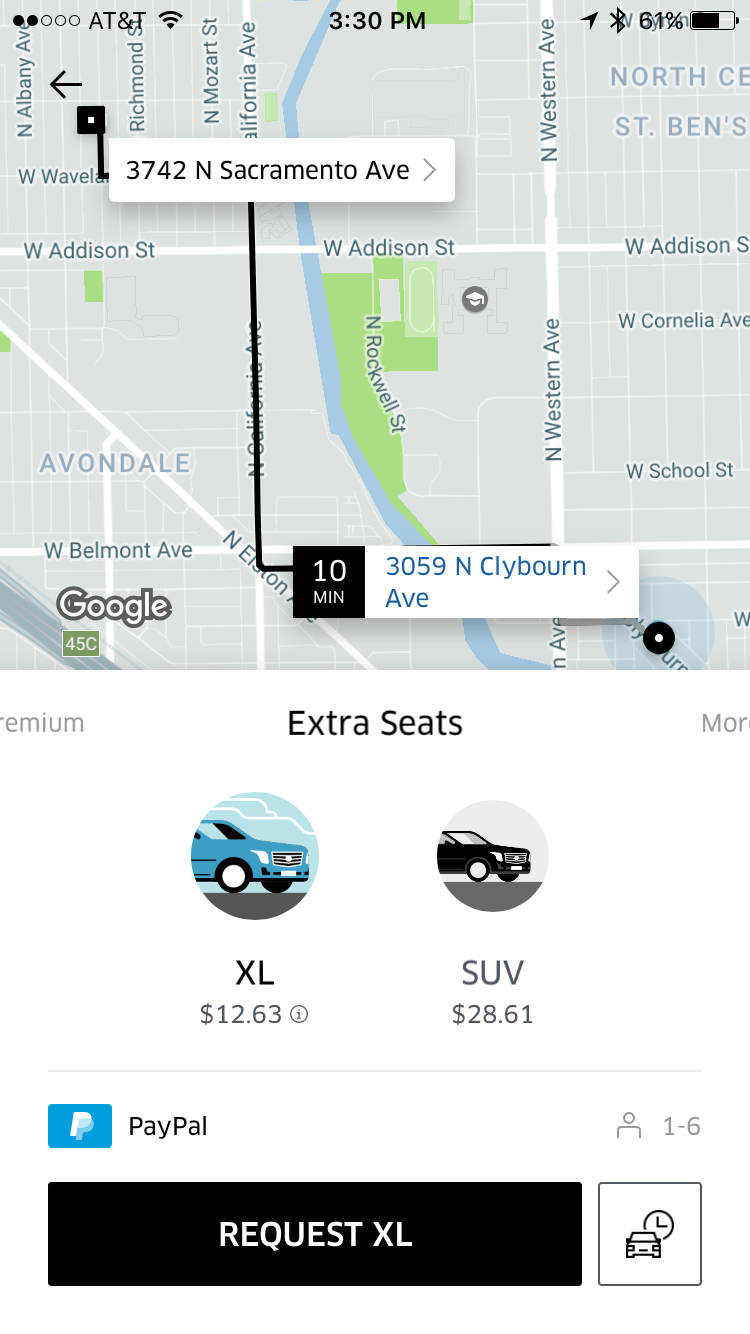
Uber has made it’s app user friendly. Make sure you use it! Sometimes, when we are in a hurry, we forget how to do things or how things work, but with a little patience and attention to detail, your experience should be a good one.
Now let’s look at the Lyft app!
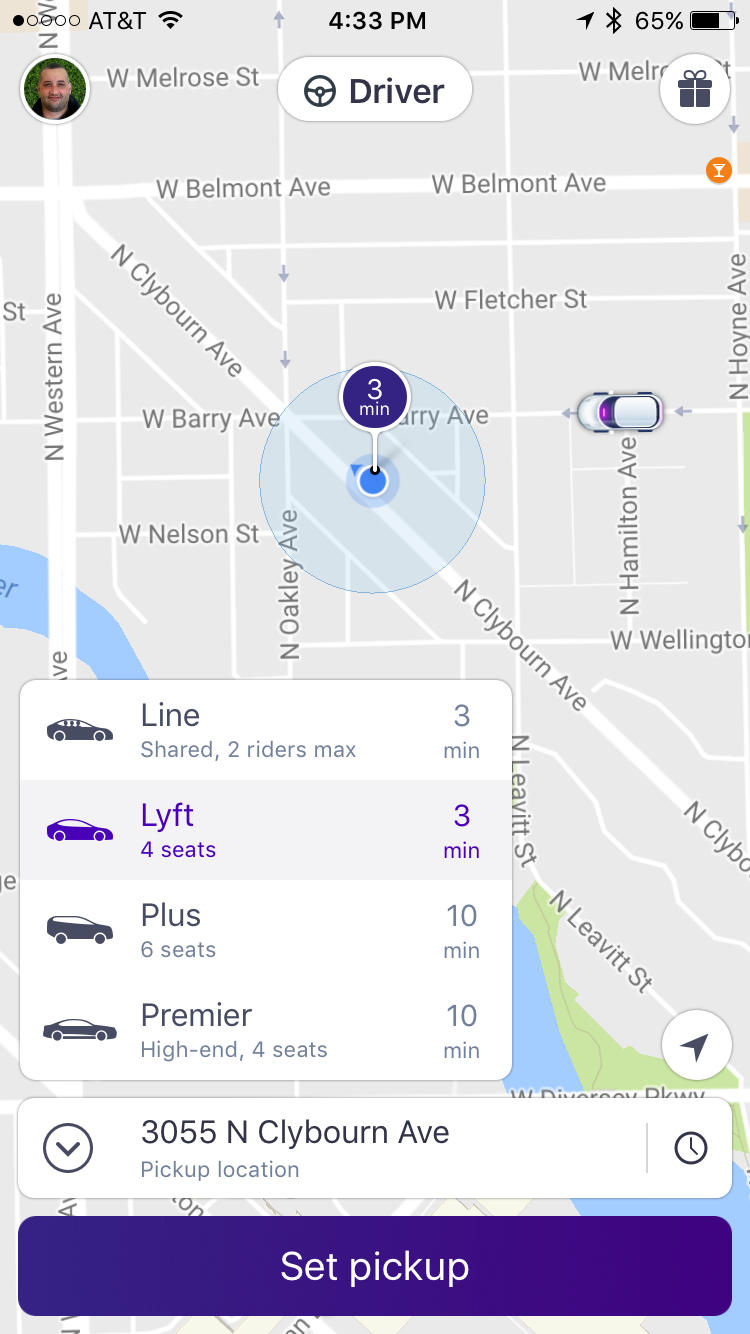
Lyft’s app, in my opinion, is a little easier to use. Many riders fail to use it correctly and end up using Lyft Line(UberPool Equivalent) instead of regular Lyft(UberX) and then they get upset because the driver has to pick-up other riders.
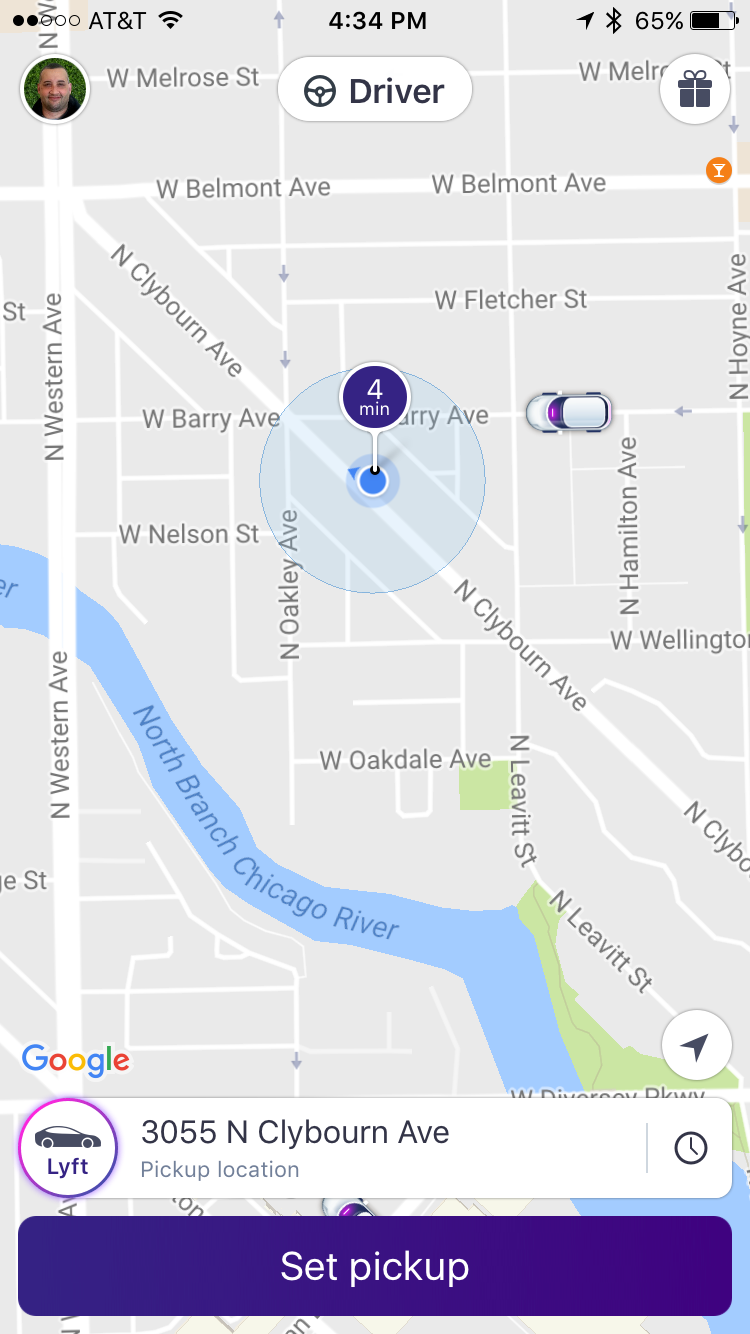
- Pick type of Lyft service- When you go to set your pick up location, you must first look at the icon next to the address.
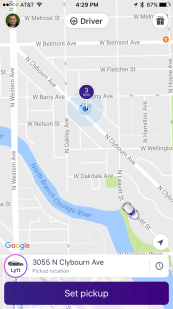 If you tap on that icon, you will see the different options you have to select from.
 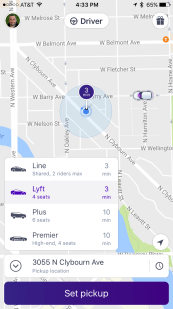 Lyft LINE (Pool), LYFT, Lyft PLUS and Lyft PREMIER. Select which service you will use. REMEMBER: Lyft LINE is like Uber Pool. Other riders will be added to your route and the driver MUST follow a certain route to pick-up each rider.
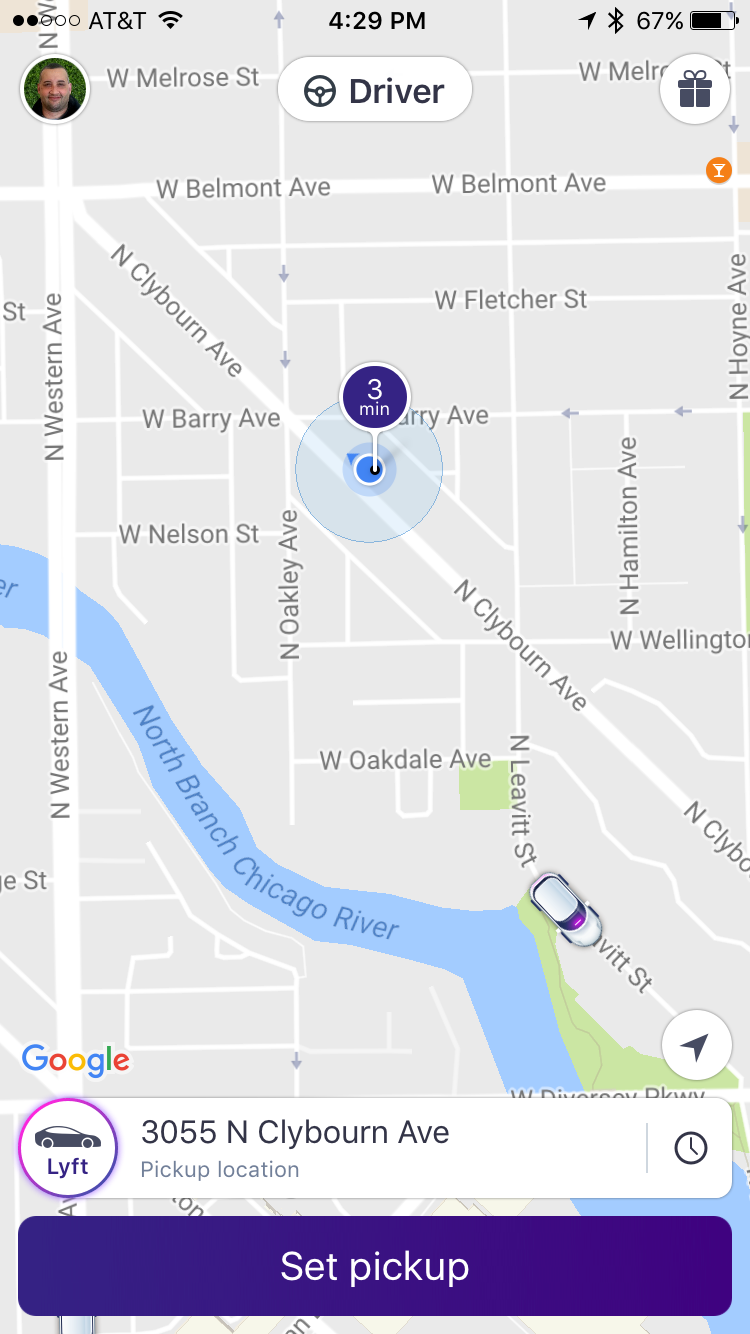
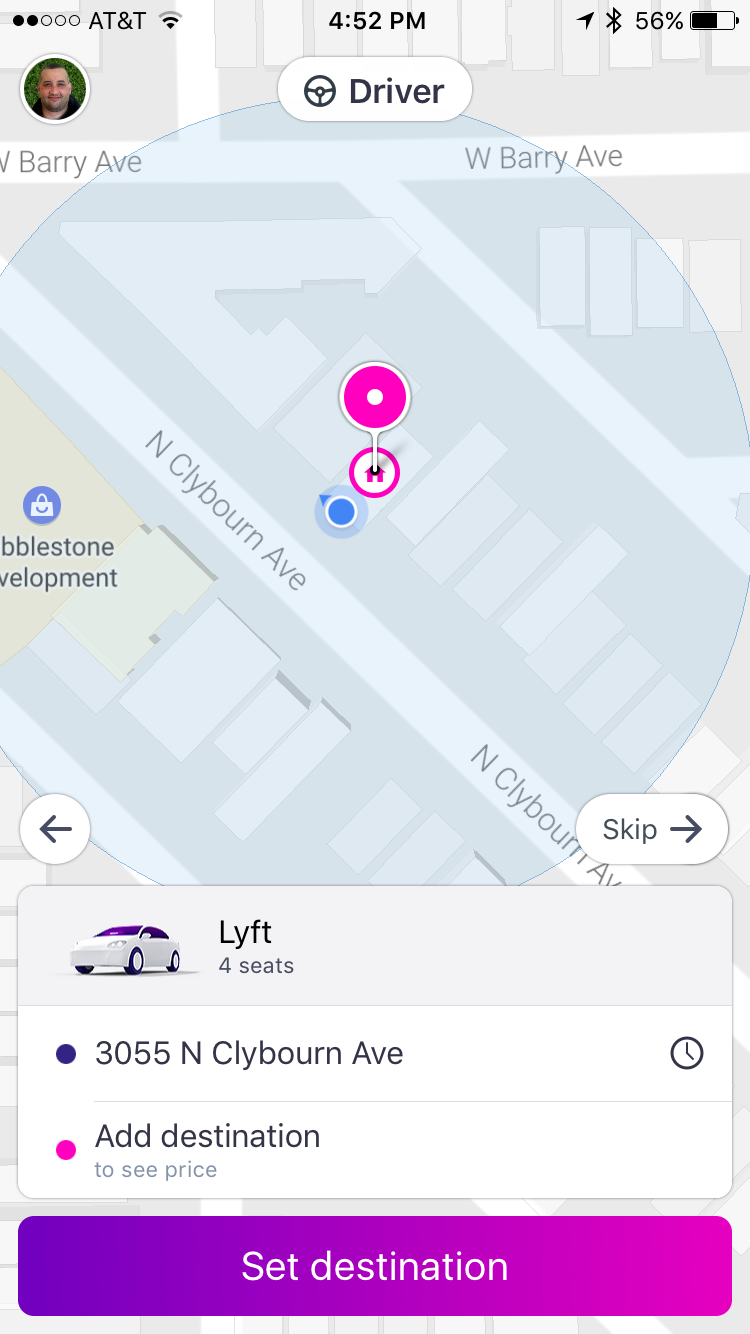
 - Set Pick-Up Location- After you pick the service you will use, enter the address where you want to be picked up from.
 You can also move the Pin and make sure that the address is exactly where you want. REMEMBER GPS on your phone is accurate within 50-100 feet depending on location and cell phone reception.
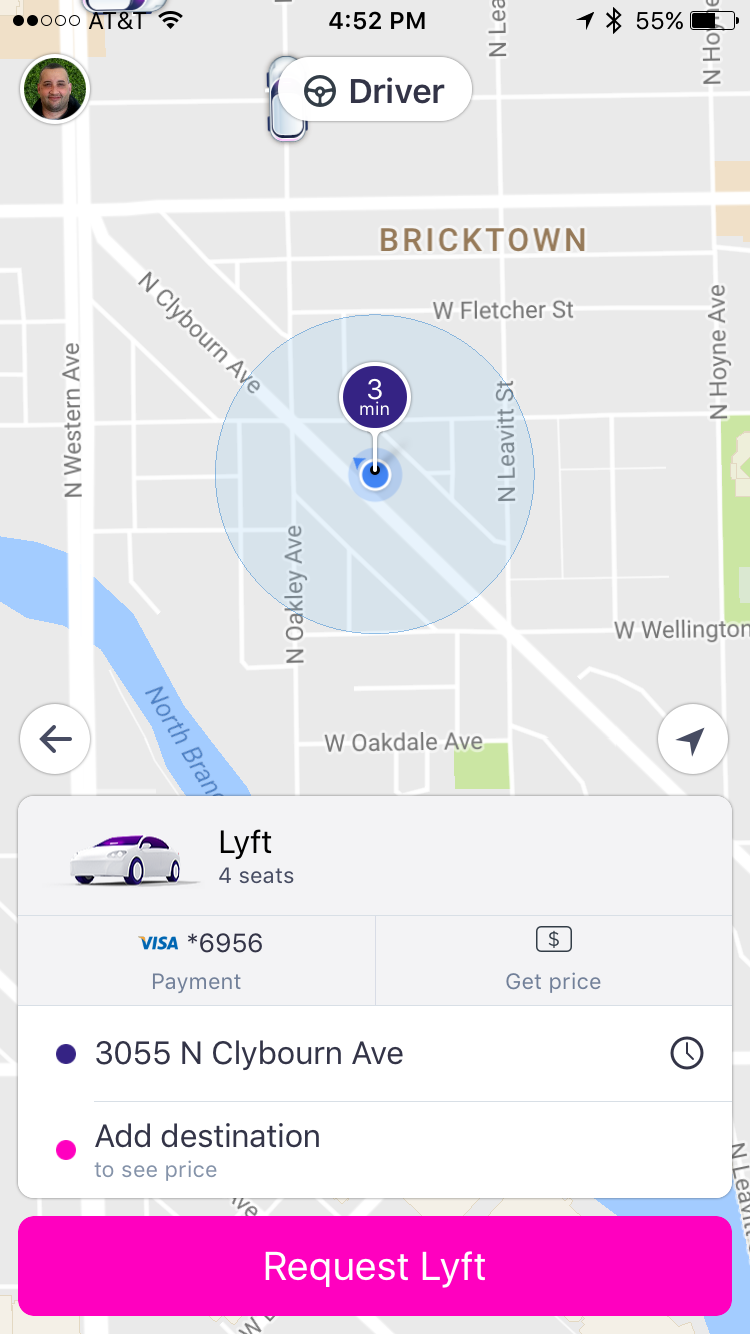
 - Set you destination address- Enter the address that you are going to.
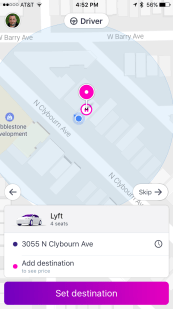 If you are traveling with others and you are going together but being dropped off at different addresses, then enter the farthest address. Make sure you ask your driver if it is okay to make additional stops or address drop-offs. Some drivers may NOT be willing to do multiple drop-offs.
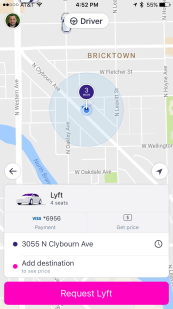
 - Press “REQUEST LYFT” and your request is made!
If you have gained anything from this blog, please leave a comment! Share this blog with others too!
Use the codes below for Free Ride Credit!
LYFT Credit Code: BATICUA
UBER Referral Code: victorh1758ue



 Ride Share Revelations
Leave a comment